 KidShield Family
KidShield Family
KidShield Family
KidShield is a parental assistance tool that helps protect children with screen time controls, DNS content filtering, location tracking, and instant SOS alerts. Designed to assist parents, it is not a substitute for supervision. Designed in Australia for local families.
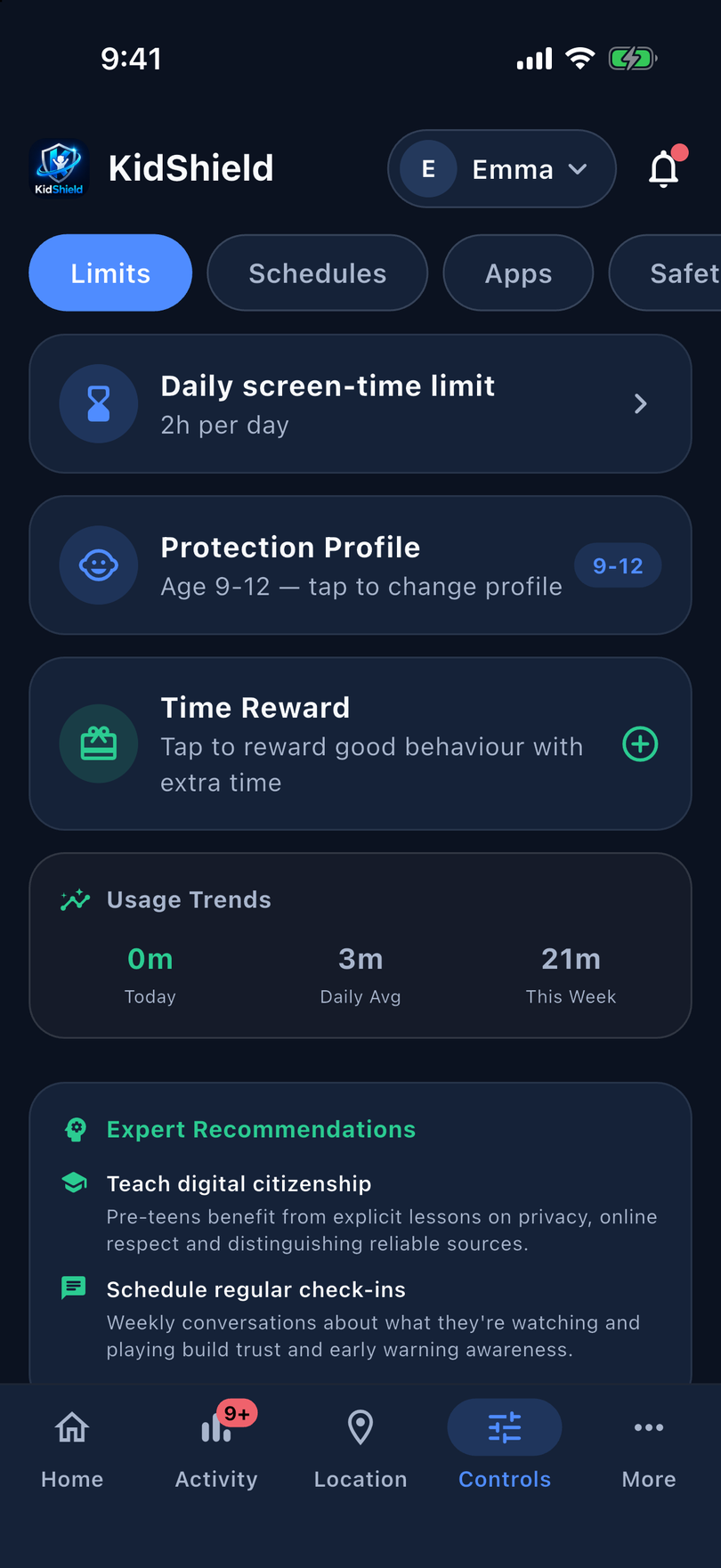
Everything a parent needs on one screen — and a child experience that feels safe, never scary.
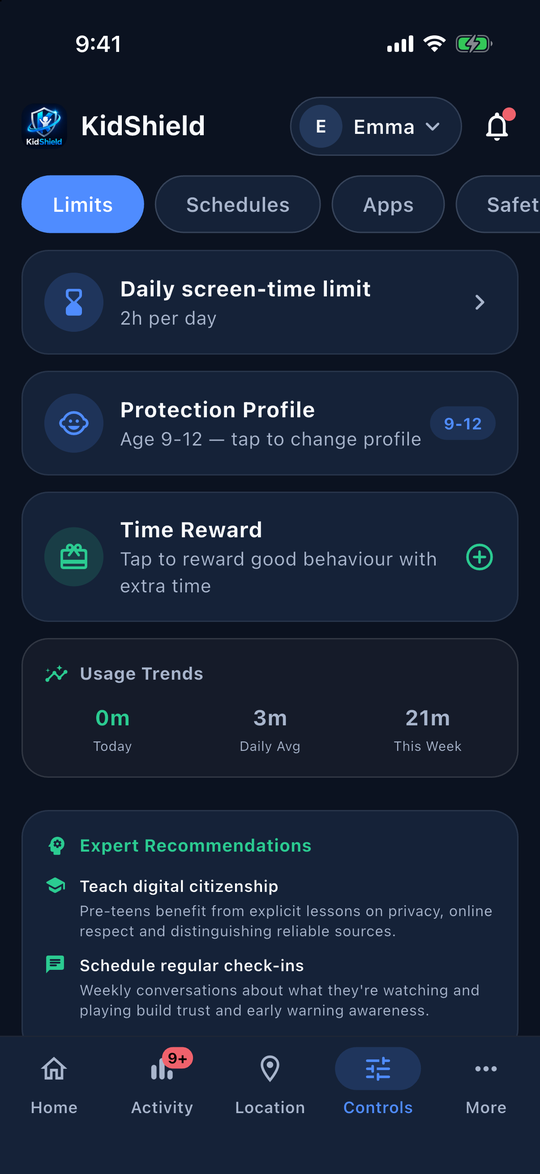
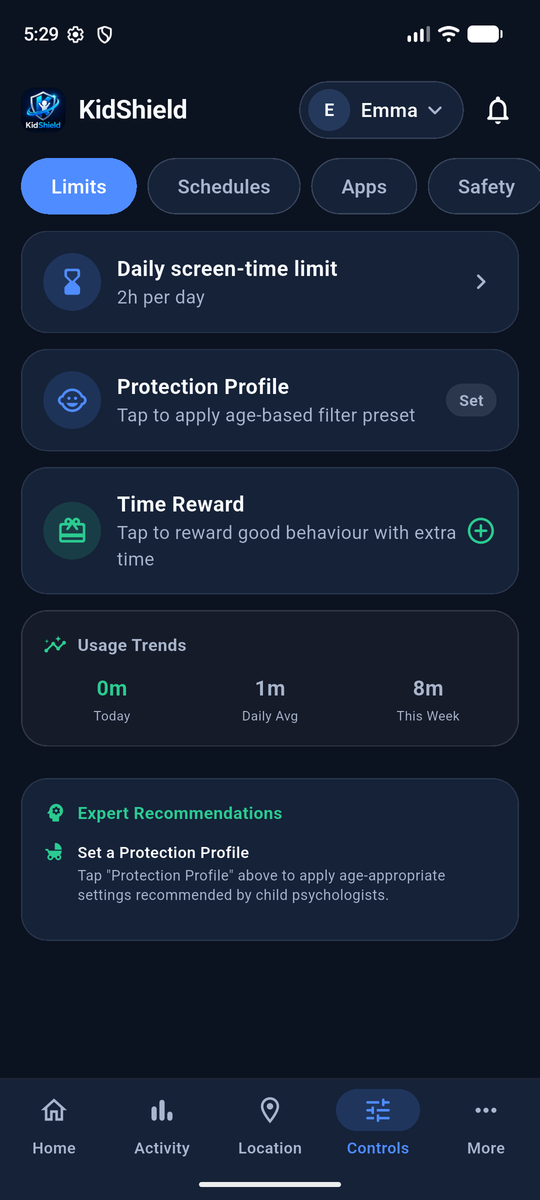
Home, Activity, Location, Controls and More — a persistent bottom bar replaces the old crowded header, with a quick child switcher at the top.
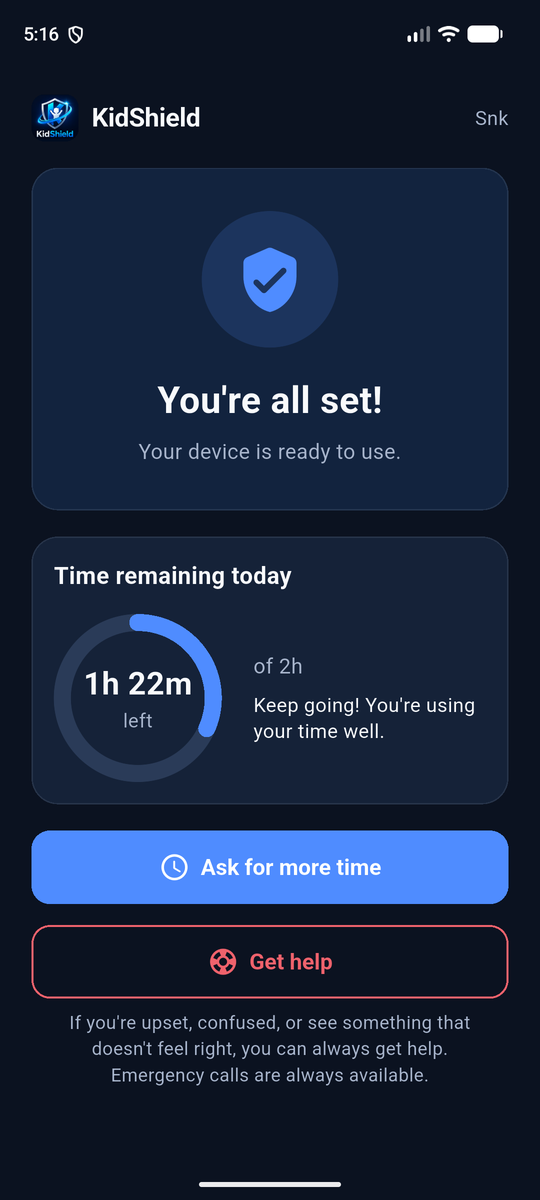
Kids can request 15, 30 or 60 more minutes. You get a clear card on Home and in Activity and can approve or decline in one tap.
Repeated events are grouped ("App blocking switched off · 4 times"), severity is colour-coded, and emergencies get a focused card with Acknowledge and View location.
What it does: Blocks adult, gambling, and malware sites at the DNS level — before content even loads.
Why parents love it: Works across every app and browser on the device, with zero setup per site. Your child can browse with confidence.
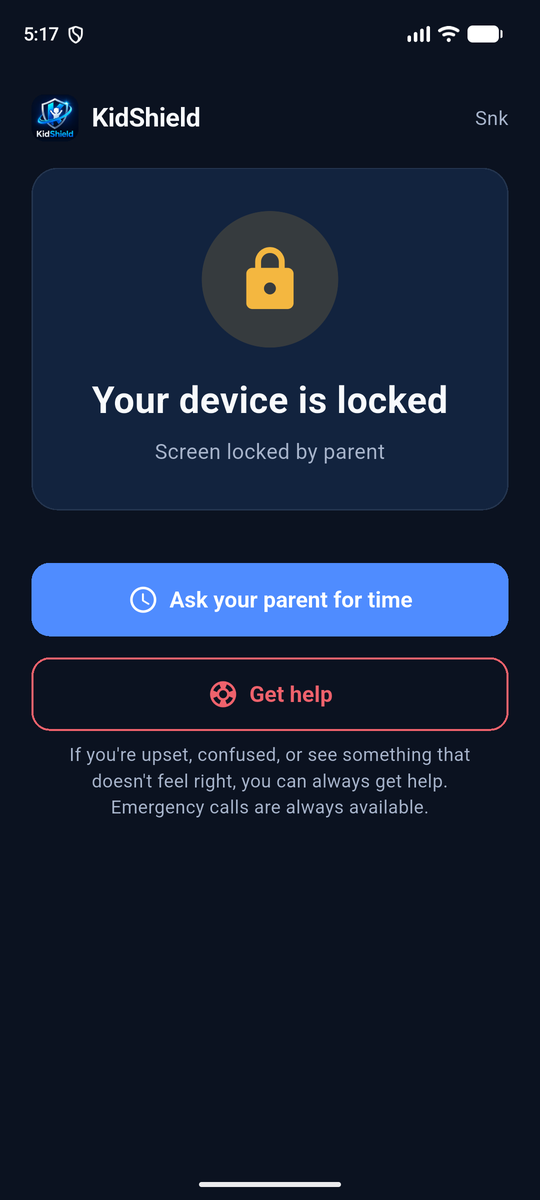
What it does: Remotely hides all non-essential apps (social media, games) instantly.
Why parents love it: Perfect for dinner time or "no-phone" hours. Phone calls and SOS remain active so they are never isolated.
What it does: High-precision GPS tracking, plus a calm Get help button inside your child's app.
Why parents love it: If they feel unsafe, one tap (and one confirmation) sends you an emergency SOS alert with their exact location — and Emergency calls always stay available.
What it does: Combines screen time across all their devices — iPhone, Android Tablet, and more.
Why parents love it: No more "cheating" by switching devices. When their daily limit is up, every device locks simultaneously.
What it does: One tap locks every child's device in the family — simultaneously.
Why parents love it: Dinner. Homework. Bedtime. One button, zero negotiation. All devices lock at once and show your kids it's family time.
What it does: Smart presets for ages 6–8, 9–12, and 13+ that configure screen limits, web filters, YouTube safety, and purchase controls automatically.
Why parents love it: Stop guessing which settings to tweak — one tap applies expert-recommended defaults for your child's age.
What it does: Grant extra screen time as a reward — +15 min, +30 min, +1 hour — from the parent app.
Why parents love it: Turn good behaviour into a positive moment. Rewards feel earned, not arbitrarily given, and you stay in full control.
What it does: Enforces YouTube Restricted Mode across every browser and the YouTube app via DNS — no loopholes.
Why parents love it: Kids can't turn it off themselves. It works even if they clear the browser or switch apps.
What it does: Block in-app purchases and new app installs independently, with a single toggle.
Why parents love it: No surprise charges on your card. No new social apps appearing overnight. You approve everything.
What it does: Automate device rules by time — School Lock from 8am–3pm, Bedtime mode at 9pm, Play Time window from 3–5pm.
Why parents love it: Set it once and forget it. The app enforces your rules even when you're not watching.
| Feature | What it does | Status during Lock |
|---|---|---|
| DNS Content Filter | Blocks adult, gambling, and malware sites before they load — works across all apps and browsers. | ALWAYS ACTIVE |
| Get help (SOS) | A clear "Get help" button for kids that sends parents a high-priority SOS alert with location. | ALWAYS ACTIVE |
| Phone Calls | Standard telephone functionality for emergency contacts. | ALWAYS ACTIVE |
| App/Game Block | Supports Apple Family Controls & Google Family Link for deep system locking. | Locked |
| Live Location | Real-time GPS tracking shared with parent dashboard. | ALWAYS ACTIVE |
| Family Time Mode NEW | Lock all children's devices simultaneously with one tap. | All devices Locked |
| Age Profiles NEW | One-tap expert presets for ages 6–8, 9–12, and 13+. | Profile active |
| Time Reward NEW | Grant bonus screen time (+15m to +2h) as a reward. | Bonus paused |
| YouTube Safety NEW | Enforces YouTube Restricted Mode via DNS — works in all browsers and the YouTube app. | Locked |
| Purchase & Install Guard | Block in-app purchases and new app installs independently. | Blocked |
| Schedule Management v2.3 Growth+ | Automate screen-time rules by day and time — school lock, bedtime mode, play windows. | Enforced |
| Per-App Time Limits v2.3 Family Max | Set individual daily time budgets per app — e.g. TikTok max 30 min/day. | Paused with device |
| Advanced Activity Reports v2.3 Family Max | Detailed usage trends, per-app breakdowns and browsing history on the parent dashboard. | Reporting continues |
"KidShield gives me the confidence to let my kids explore the digital world without fear. The real-time alerts and location tracking mean I'm always there, even when I'm not."
— Sarah, Mother of 3
Choose the plan that fits your family. Every plan includes GPS tracking, SOS alerts & message monitoring (Android).
Important: use the same email at checkout that you use to sign in to the KidShield app. Your plan is linked to that email. Haven't created your account yet? Just register in the app with the same email — your plan will switch on automatically.
1 Kid · Up to 2 Devices
Free for 14 days, then A$15/mo
2 Kids · 2 Devices Each
Free for 14 days, then A$25/mo
3 Kids · 2 Devices Each
Free for 14 days, then A$35/mo
Subscriptions are billed monthly and renew automatically. Cancel anytime via your App Store or Google Play settings.
Free trial available to new subscribers only. Available on iOS & Android.
All content analysis happens locally on the child's device — no screen captures or full conversations are ever sent to our servers. When the optional Message Monitor detects a harmful phrase, only a short excerpt (max 120 characters) is stored in your private parent alert feed. Nothing is shared with us or any third party.
You are in control. Delete your account anytime via the Parent App and all data — location history, alerts, message excerpts, and child profiles — is permanently purged within 48 hours. See our Privacy Policy for full details.